Project Info
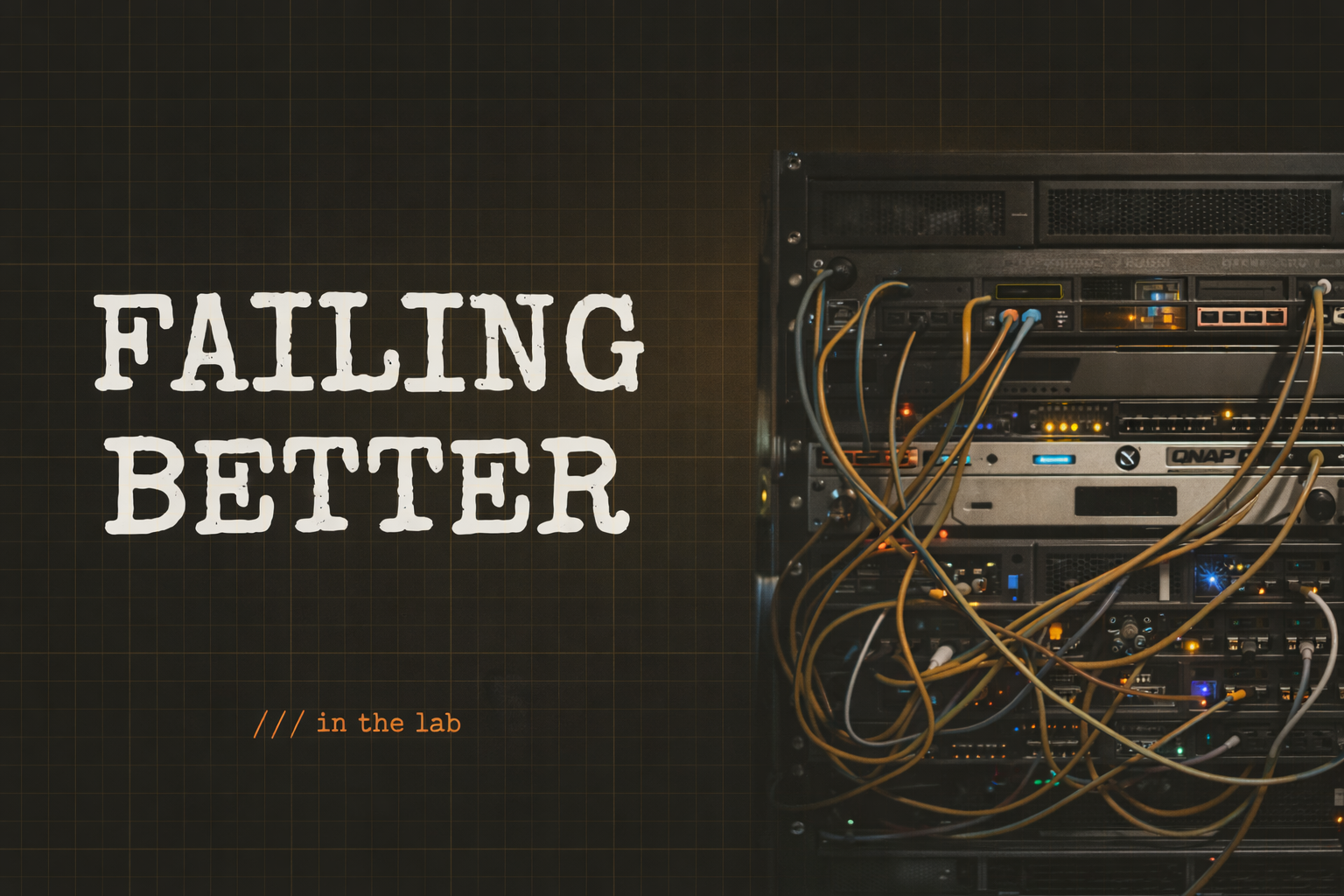
The Homelab: A Construction Site That Never Closes
It started with a DVD problem.
My wife had hundreds of DVDs and Blu-rays and we didn't have a working player. I did what everyone does when faced with a problem like this, google and Reddit. I found a tool called the Automatic Ripping Machine, or ARM that would automatically turn DVDs and Blu-rays into single files, it was the perfect solution. I had an old computer and some free time and after a few failed attempts JackTheRipper powered on and was happily ripping away. We had a digital library.
After I was done ripping the entire library (which took forever mind you) I learned about virtualization and how amazing it really is. I could turn one server from 1 into 10, or 100! I was only limited by my hardware and imagination. That was several years and a full rack ago.
Why It Exists
The best way I’ve found to learn something is to break it. On purpose, by accident, it doesn’t matter. I break it, then I figure out how to fix it.
That’s hard to do when I’m working in a shared environment, on production infrastructure, or on someone else’s cloud bill. The stakes are too high. I play it safe.
It’s a lot easier when the worst case is my movie library going offline for a few hours.
That’s really what my homelab is for. It gives me a place where I can try things without worrying about impact. From day one, the mindset has been simple: try, fail, try again, fail better. No tickets. No change windows. No one else affected. If I misconfigure a VLAN at midnight and take the network down, that’s on me.
It also gives me a place to think like an attacker.
In most environments, there are rules, scopes, approvals, and consequences that extend beyond me. That’s how it should be. But it also means I don’t get to explore freely. In my homelab, I own both sides. If I want to scan everything, poke at my services, test what I’ve exposed, or see what happens when I push something until it breaks, I can.
The difference isn’t that it’s less real. The blast radius is just controlled.
That freedom changes how I learn. I’m not just staying inside scope or following a checklist. I’m actively trying to break my own systems. I start asking better questions. What did I expose without realizing it? What would I go after if this wasn’t mine?
In short, I get to eff Around and find out!
And when something does break or gets compromised, I’m not reading about it in a writeup. I’m fixing it in something I built. That sticks a lot more than any lab or course ever will.
The Hardware
The lab runs almost entirely on repurposed gaming hardware. When a machine stops being fast enough, or more honestly when it’s just not the new hotness anymore, it gets re-imaged and handed a new job instead of getting retired.
It usually gets a new case too. Rack-mount is just cooler than a pile of towers, so over time everything migrated into the rack. The end result is something that grew organically rather than from a plan:
[ Unifi Dream Machine Pro     ]  ← router, firewall, network controller
[ Unifi 48-port PoE switch    ]  ← main switching fabric
[ 4x Raspberry Pi             ]  ← kubernetes tinkering (fans are loud, off unless needed)
[ 8-port KVM switch           ]  ← for when headless isn't cutting it
[ Kemp LoadMaster             ]  ← unlicensed gift, decorative for now
[ QNAP 4-bay NAS              ]  ← secondary storage
[ UPS                         ]  ← keeps things honest during power events
[ 2U server                   ]  ─┐
[ 1U server                   ]   ├─ Proxmox cluster
[ 2U server                   ]  ─┘
[ 4U server                   ]  ← TrueNAS
The photo at the top is the clean version. The “this is what it actually looks like” version has cables coming out at every angle, servers mid-rebuild, and things powered off for reasons I’ve probably forgotten.
I’m not showing that version because I’d be judged. Harshly.
It’s been a construction site since the day I first turned it on.
That’s not a failure state. That’s just me, failing better.
The Network
The network splits across two fabrics, and the reason for that split says a lot about what I’m actually using the lab for.
Unifi handles everything day-to-day. The Dream Machine Pro is the router, firewall, and controller for the whole network. The 48-port PoE switch feeds the servers, the NAS, and everything else. Unifi takes a lot of the complexity of networking and wraps it in a really clean interface. It’s the right tool for keeping things running.
Cisco is the other side of that, and the separation is intentional.
Unifi is so well-designed that I can run a pretty capable network without ever really thinking about what’s happening underneath. That’s great for reliability, but it’s not great for learning. The Cisco switch exists so I have something to SSH into, run real commands on, and actually see what’s going on.
I’m not clicking around a UI. I’m breaking things, fixing them, and figuring out why they broke in the first place.
If everything is abstracted away, I’m not really learning anything.
You can’t learn to ride a bike by watching a video.
The Compute Stack
Three servers run as a Proxmox cluster.
Proxmox is the layer that lets me treat a single physical machine as many. Each server can run multiple virtual machines, all isolated from each other. Running three as a cluster means workloads can move between nodes, failures can be simulated, and the whole thing behaves a lot more like a real environment instead of just a single box.
The cluster hosts a mix of staging environments and automation tooling. One of the more quietly useful things running on it is a dynamic DNS updater. My home internet connection has an IP that can change at any time, which would break anything trying to reach services I host. A script checks my public IP on a schedule, compares it to what’s in Cloudflare, and updates the record when they drift.
It’s been running for years without me touching it.
TrueNAS runs on the 4U server at the bottom of the rack. It’s the machine with the most drive bays, and honestly the reason any of this exists at all. It runs Plex, stores the movie and TV library, and acts as shared storage for everything else.
That needed somewhere to live, so I set up Plex.
Plex needed a server.
The server needed storage.
The storage needed a network.
The network needed management.
And at some point, I ended up with a rack.
Exposing Services: One Port, One Rule
The only port open to the internet from my home network is 443. Standard HTTPS.
Everything inbound routes through an nginx reverse proxy running in the Proxmox cluster. If you’re not familiar with nginx, think of it as a traffic director sitting at the front door. It decides which internal service each request should go to, while the outside world only ever sees a single address.
Adding a new service is a two-step process:
- Add a DNS record in Cloudflare pointing a subdomain at the house
- Add a rule in nginx to route that subdomain to the right internal service
That’s it. No new ports. No firewall changes. No extra exposure. Five minutes, zero cost.
That’s how Plex is reachable from outside the house. It’s also how a small web app I built for a movie club at work gets served. Completely different services, same single entry point.
This setup also shapes how I approach new projects.
If something doesn’t need to live in AWS yet, it starts here. The lab is the first stop, not a fallback. It keeps costs at zero while I’m still figuring things out, and I’m testing against real infrastructure instead of a just pretending.
What It Is
The Kemp LoadMaster is still unlicensed. The Raspberry Pis sit mostly idle because their fans are loud and I don’t have a reason to run them. Some servers are mid-rebuild. The wiring would fail an inspection.
None of it is clean. None of it is finished. And it probably never will be.
If I ever stop working on this, it probably means I’ve stopped trying to learn.
But Plex has been running for years. The DDNS script just works. Every project I’ve shipped to AWS started here first. And when I need to understand how something actually behaves, not how the documentation says it behaves, I don’t have to guess.
I can break it. I can fix it. I can see exactly where I got it wrong.
This isn’t a showcase.
It’s just me, failing better.